One clearer way to run customer work.
Start with a free Nexus workspace, then add Cyber Glider services when you need help planning, configuring, connecting, or improving the systems around your business.
Cyber Glider is the services team. Nexus is the workspace platform. Use either one — or both together.
Request a CallbackPreview Nexus
Explore an organized workspace for your business.
One connected customer workspace, supported by real implementation help.
Cyber Glider Solutions is the AI services and business systems company. Nexus is the cloud-based workspace we created to help businesses organize customer work, tools, and operations.
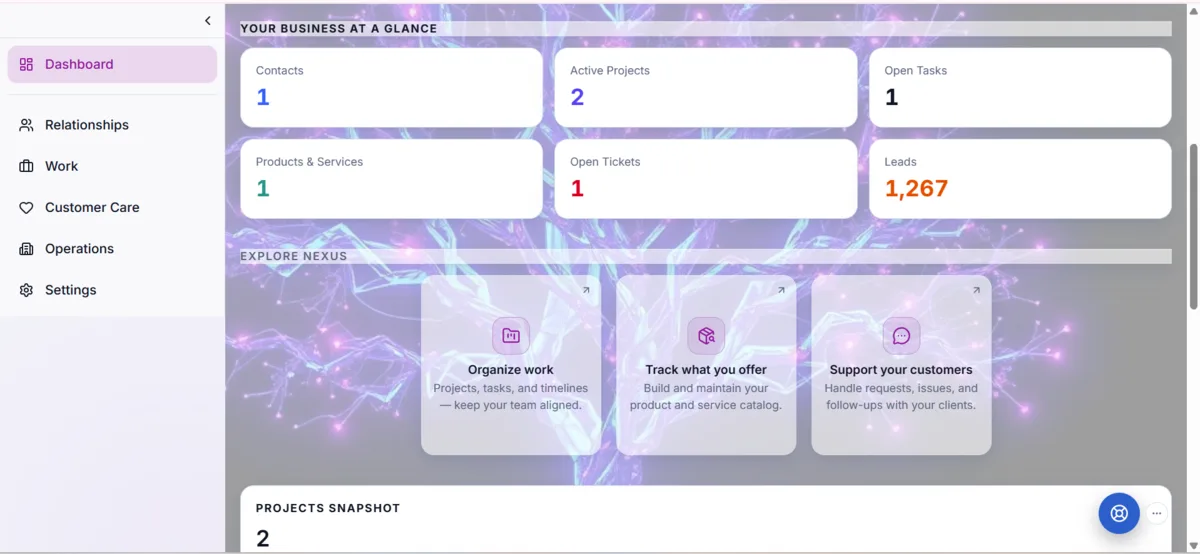
Use Nexus when you need one place to manage contacts, tasks, support, documents, billing visibility, and daily work. Use Cyber Glider services when you need help planning, configuring, improving, or connecting the systems around your business.
Some customers use Nexus on its own. Some use Cyber Glider services only. Many use both.
Cyber Glider Nexus
Nexus helps businesses organize customer work and daily operations in one cloud-based workspace.
- Organize contacts and CRM
- Track tasks and follow-ups
- Manage support requests
- Keep documents visible
- Review billing and plan information
- Coordinate daily operations
Cyber Glider Services
Cyber Glider services help businesses plan, configure, improve, and support the systems around their work.
- Evaluate business workflows
- Configure CRM and automation
- Improve lead capture and follow-up
- Set up support and booking flows
- Improve websites and customer paths
- Provide guidance, training, and support
Nexus organizes the work. Cyber Glider helps put it into practice.
Choose your workspace or service path
Start with Nexus, a Cyber Glider service, or both.
Organize the tools and workflows
Nexus provides the workspace; Cyber Glider helps configure the systems around it.
Get support as your needs grow
Use the workspace, request help, and improve your systems over time.
A smarter system, designed to work for you even while you sleep
Cyber Glider helps businesses of all sizes create intelligent workflows that keep their operations moving: lead capture, follow-ups, booking confirmations, support requests, and customer communication.
Keep your business moving forward even when you’re not in front of the screen. With more connected, organized, and automated processes, you can reduce repetitive tasks, respond faster, and keep the next steps under control.

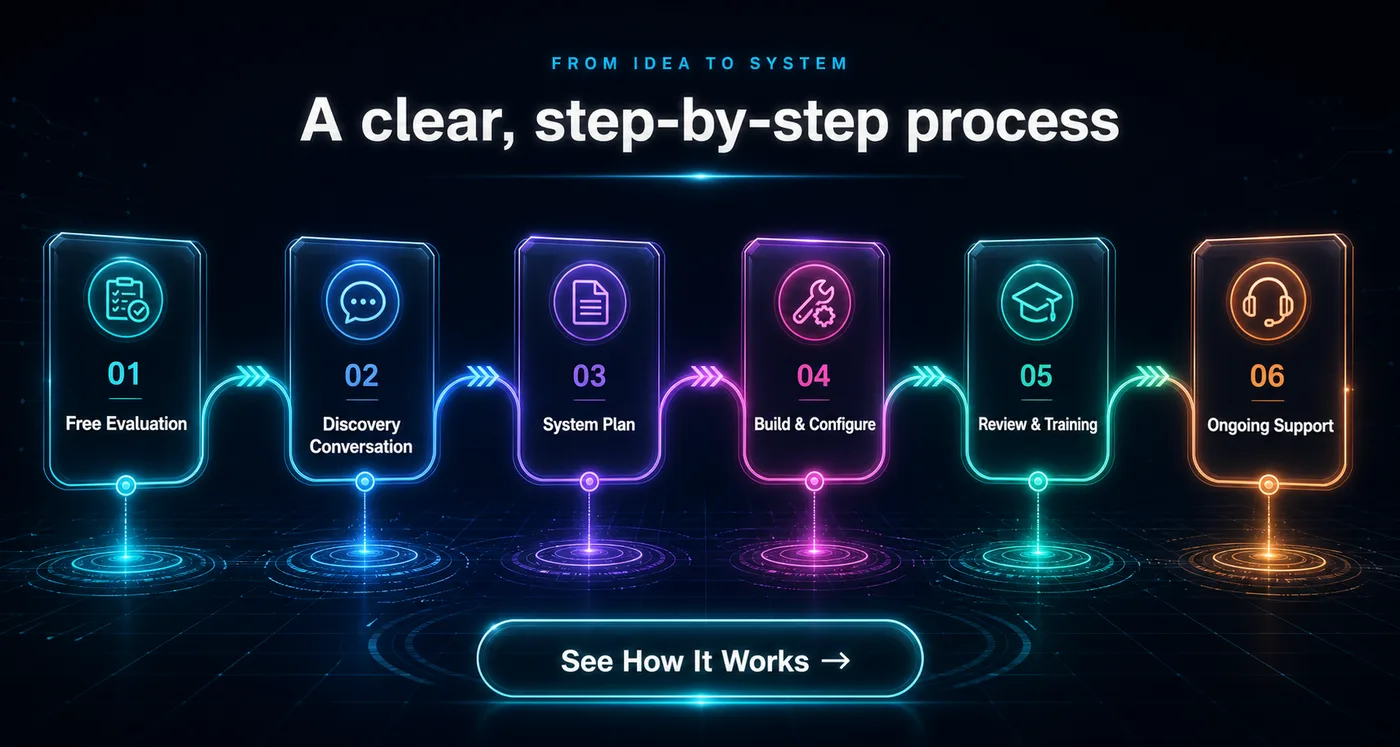

Never alone from the start
Support before, during, and after your work with Cyber Glider.
Cyber Glider gives visitors and customers clear ways to ask questions, request help, and find the right next step. Whether you are exploring services, reviewing an assessment, using Nexus, or requesting support after launch, you are not expected to figure it out alone.
Cyber Buddy
Open Cyber Buddy from the bottom-right corner of the page for immediate guided help. Cyber Buddy can help you learn about services, start an evaluation, request a callback, or find the right next step.
Request a Callback
Best when you want to talk through your goals, questions, service options, or next steps with Cyber Glider.
Cyber Glider Customer Portal Support
Existing customers can sign in to the Cyber Glider / Nexus customer portal to submit support requests, review account information, and track help related to their workspace or services.
Nexus Workspace Support
Nexus users can access support tools inside their workspace for account questions, workspace tools, support tickets, billing visibility, invitations, and plan questions.
We aim to keep support clear, respectful, and practical. If we cannot solve something immediately, we will help you understand the next step, what information is needed, and where your request should go.
For immediate guided help, open Cyber Buddy from the bottom-right corner of the page.